VELOCITY
Softer or harder.
Make the beat.
Shape the sound.
Finish the record.
A 16-pad drum instrument that takes you from raw samples to a finished drum track without leaving the plugin.
VST3 · Standalone · AU coming soon
Demo video slot
The main Tsukuyomi walkthrough will land here.
One instrument. One window. From the first hit to finished drums.
A sampler for the sounds. A sequencer for the pattern. Another plugin for compression, another for saturation, another for space. Somewhere between the third window and the fourth, the idea you had five minutes ago is gone.
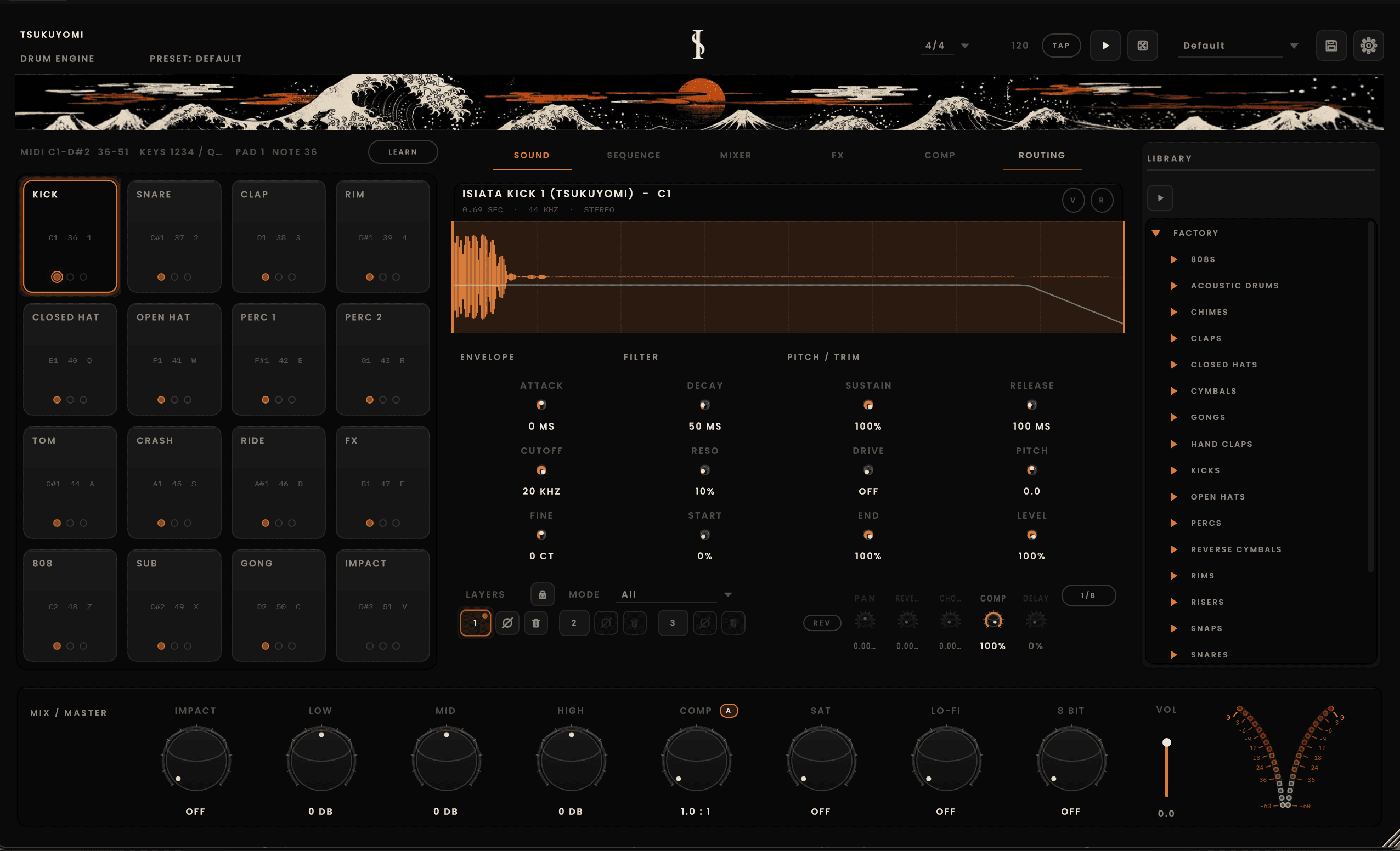
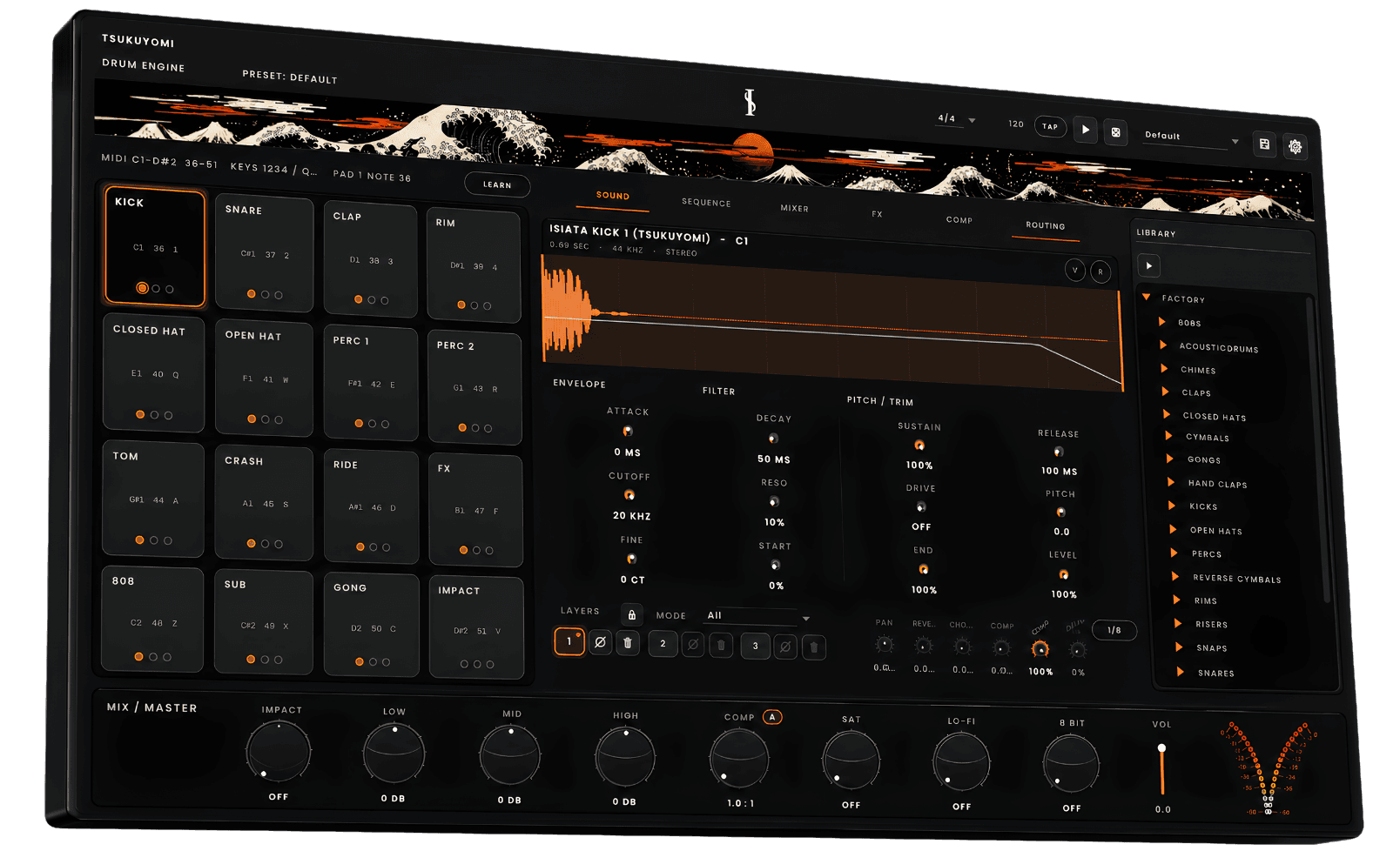
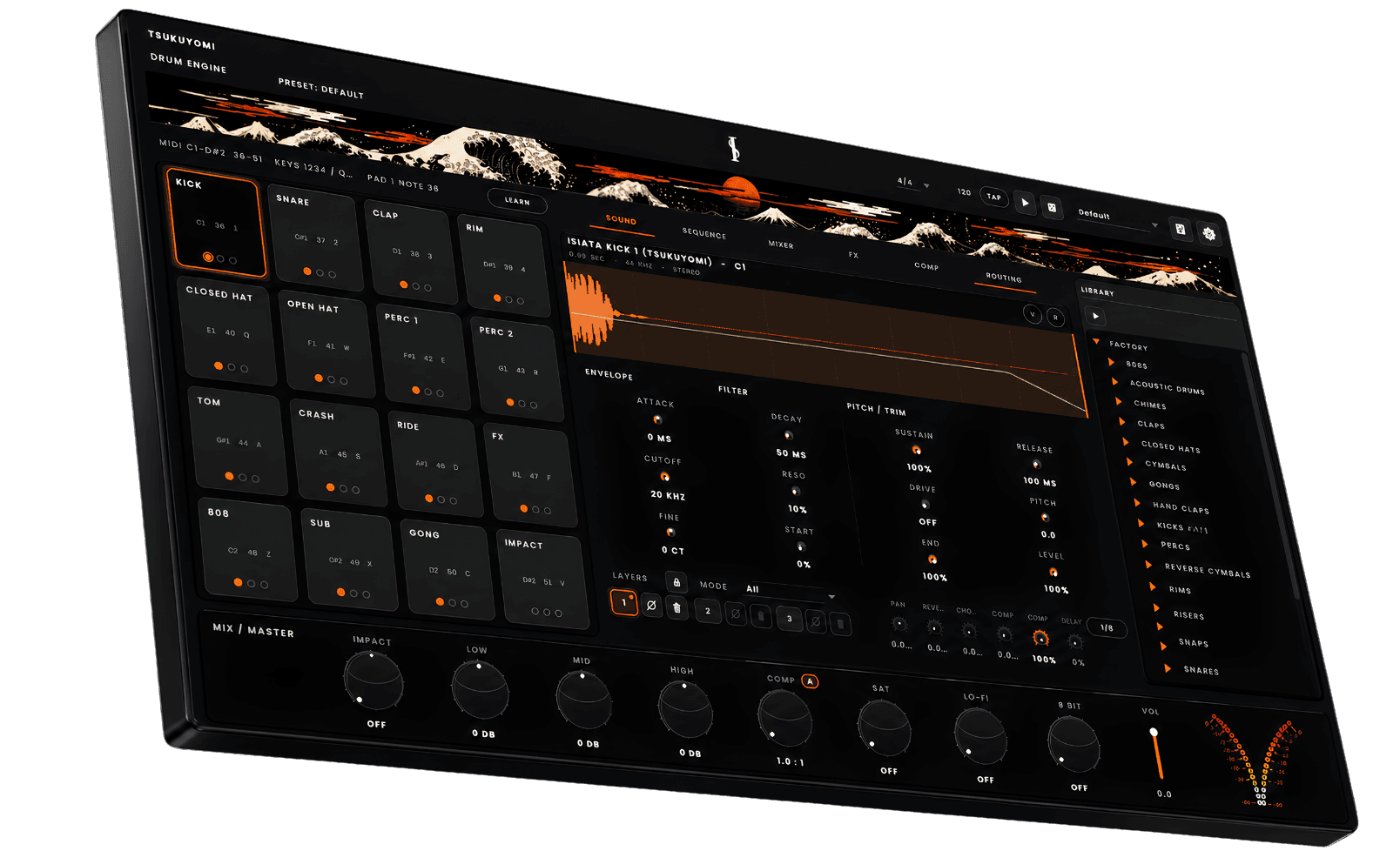
Tsukuyomi keeps the whole process in one place: pads, sequencer, sound design, mixer, effects and mastering in a single window.
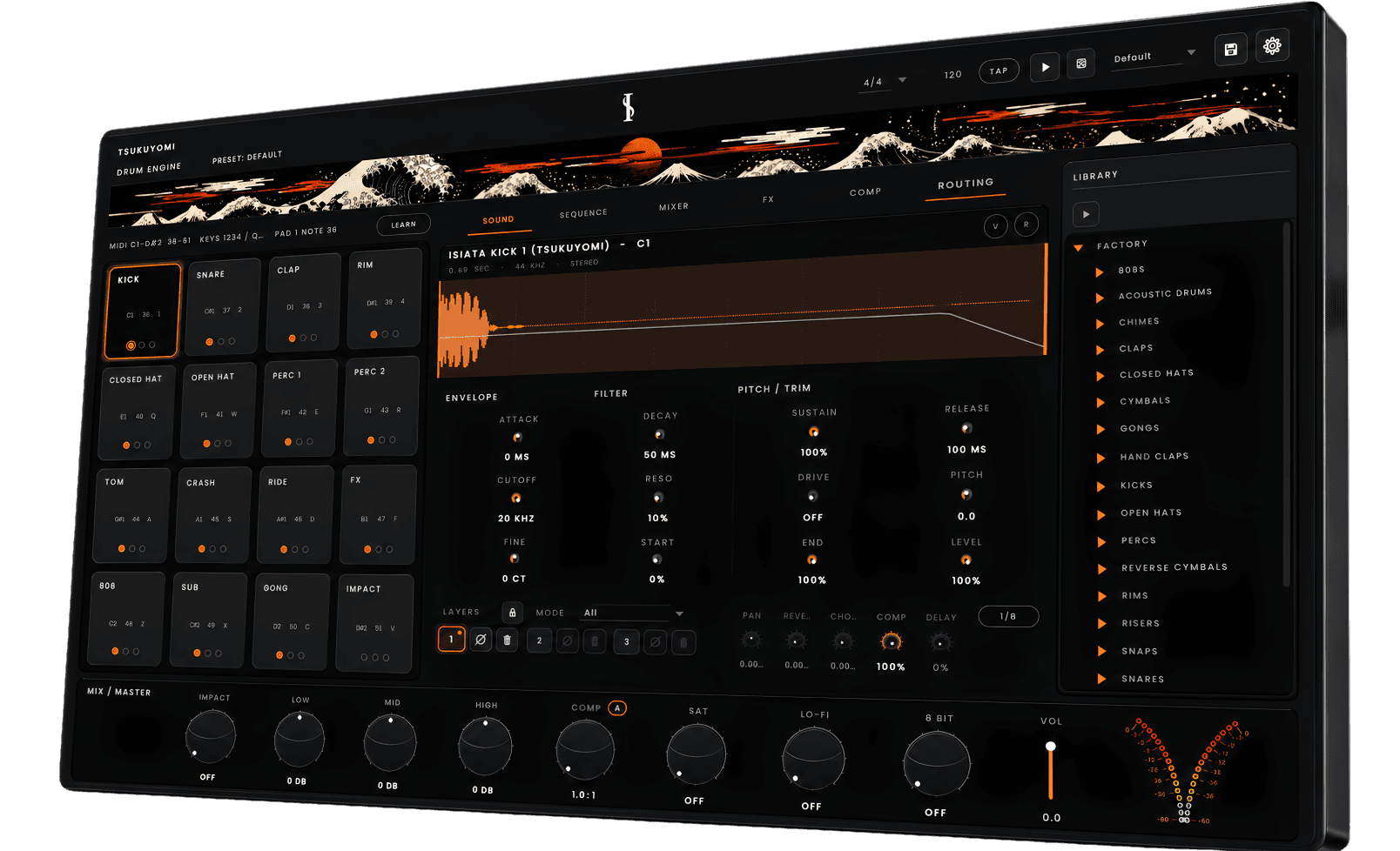
Hit pads with a MIDI controller, your keyboard or the on-screen grid. Layers respond to velocity, choke groups keep hats behaving, and 32 voices leave room for fast rolls.
Build the sound
Every pad holds three sample layers you can stack, cycle, randomize or map to velocity. Shape each one with a full envelope, filter, drive, pitch, reverse and pan. You're not picking a drum, you're building one.
Pad layout
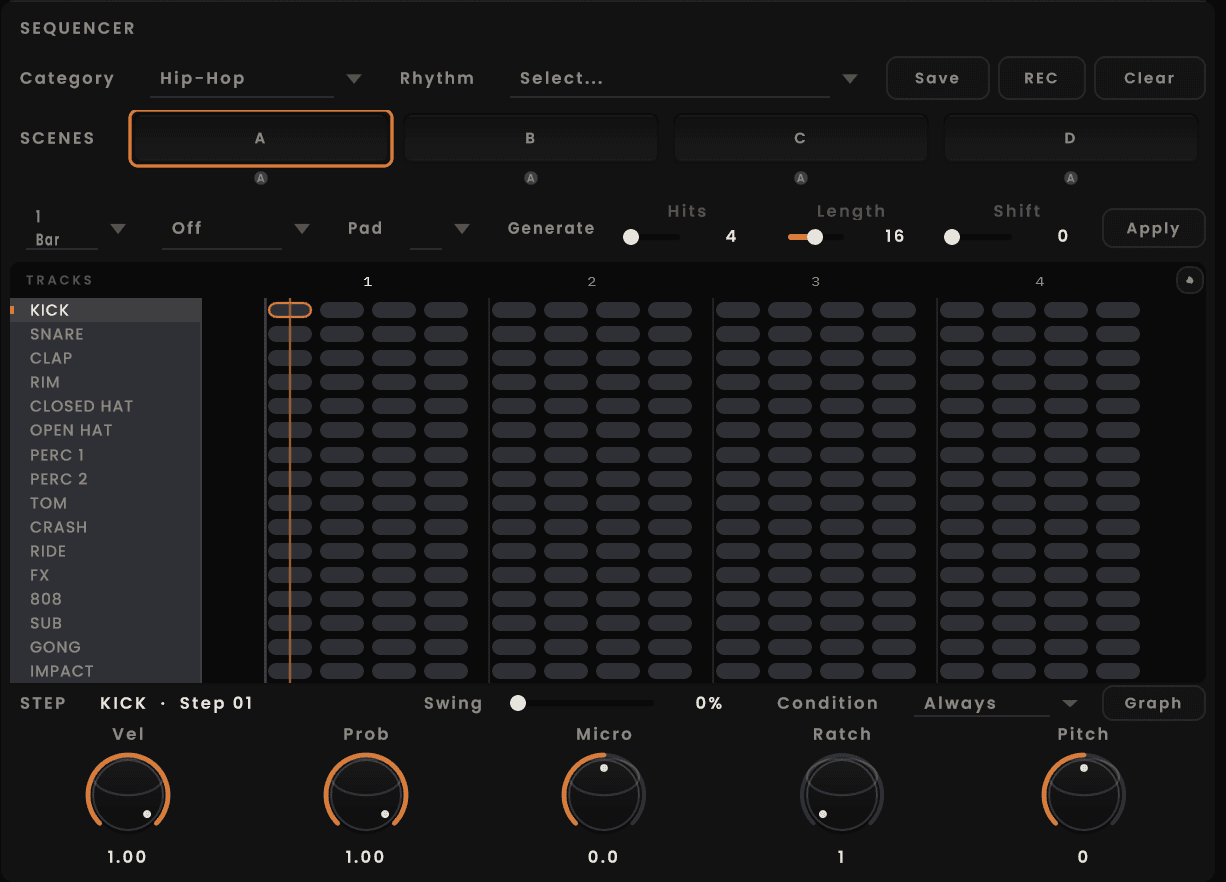
Program in 4/4, 3/4, 5/4, 6/8, 7/8 and 2/4, then shape swing, groove and Euclidean fills until the pattern moves the way you want.
Drag whole beats
Move complete patterns into the groove, then keep shaping them.
Drag individual pieces
Place single kicks, snares, hats and percussion exactly where they belong.
Start from categorized presets
Browse by style, pull in a starting point and make it your own.
Build, customize, drag
Combine the parts, adjust the feel and rearrange without leaving the sequencer.
A pattern shouldn't sound mechanical just because you drew it with a mouse. Select any step and shape what happens inside that hit.
Softer or harder.
A chance of playing instead of a guarantee.
Push or pull a hit off the grid.
Up to 8 repeats per step.
Up to ±24 semitones.
Every 2nd, 3rd or 4th loop, or fills only.
The pattern stops being a grid. It starts behaving like a performance.
Build a groove, a stripped-back verse, a variation and a fill. Launch them by hand or chain them. Scenes switch on the downbeat of the next loop, so your drums evolve without stopping the music.
The main groove.
The stripped-back verse.
The variation.
The fill.
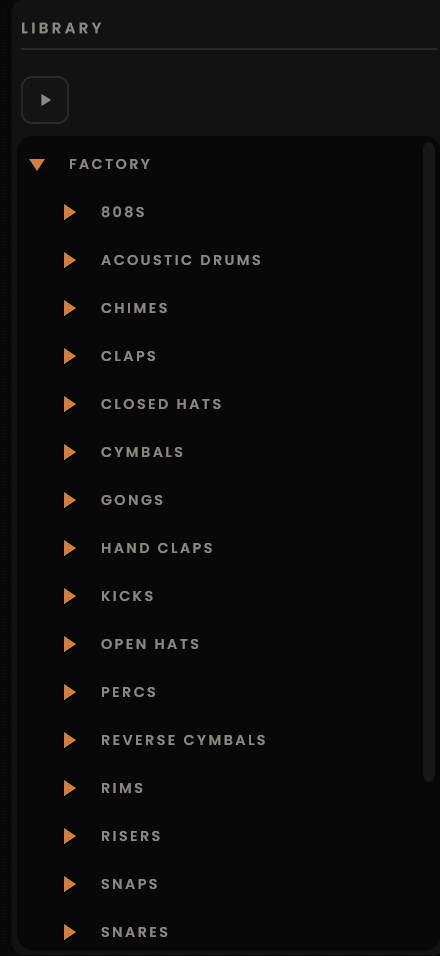
Start with the factory library, then drag in your own WAV, AIFF or FLAC files. Swap the kick, layer the hats, lock the sounds you love and randomize the rest. Happy accidents are part of the workflow.
Prefer raw samples? Explore the Tsukuyomi Drum Bundle.
Sample length
Up to 30 seconds
The point
Happy accidents are part of the workflow.
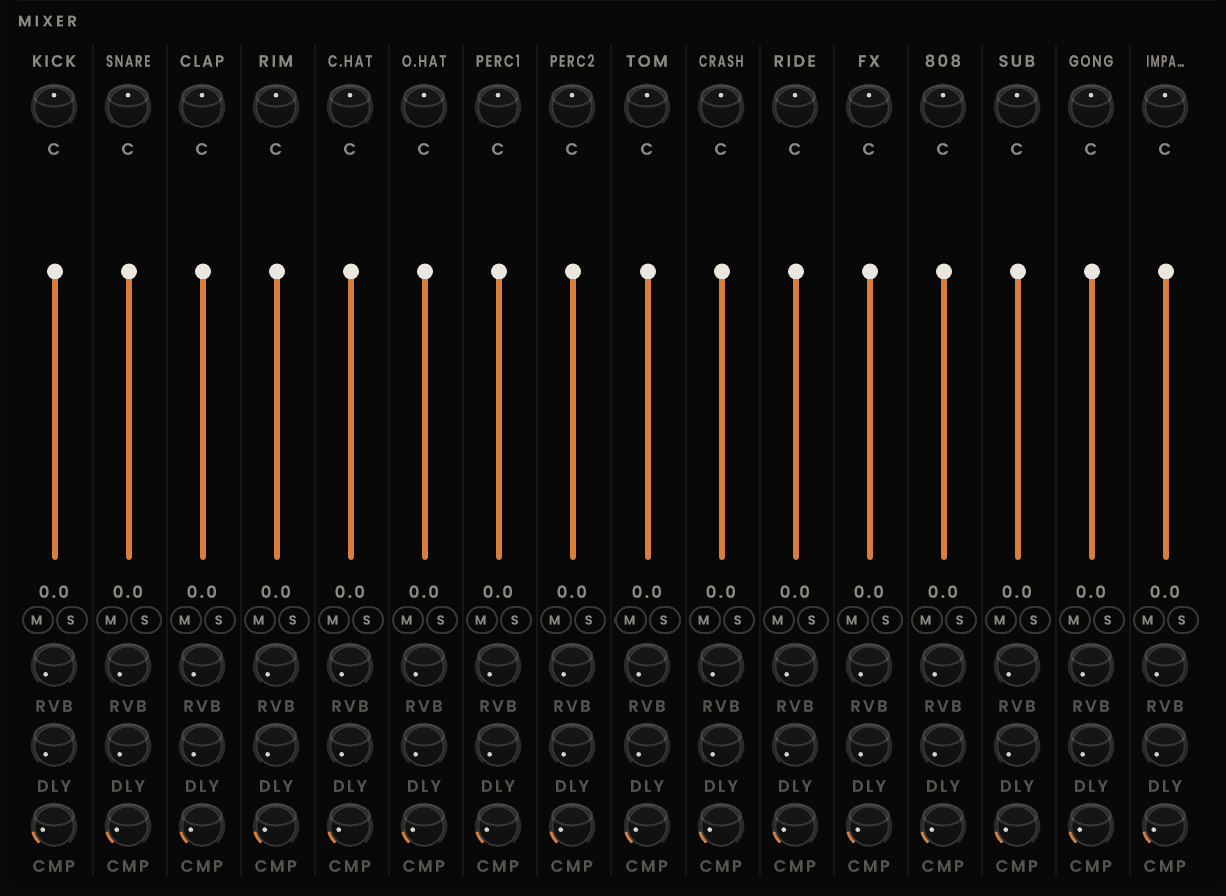
Shape all 16 pads independently, then bring the kit together through the master bus.
Independent channel control
Set volume, pan, mute and solo on every pad.
Shared effects
Send each channel to delay, reverb, chorus or parallel compression.
Whole-kit balance
Keep the master simple or print a fully custom drum mix.
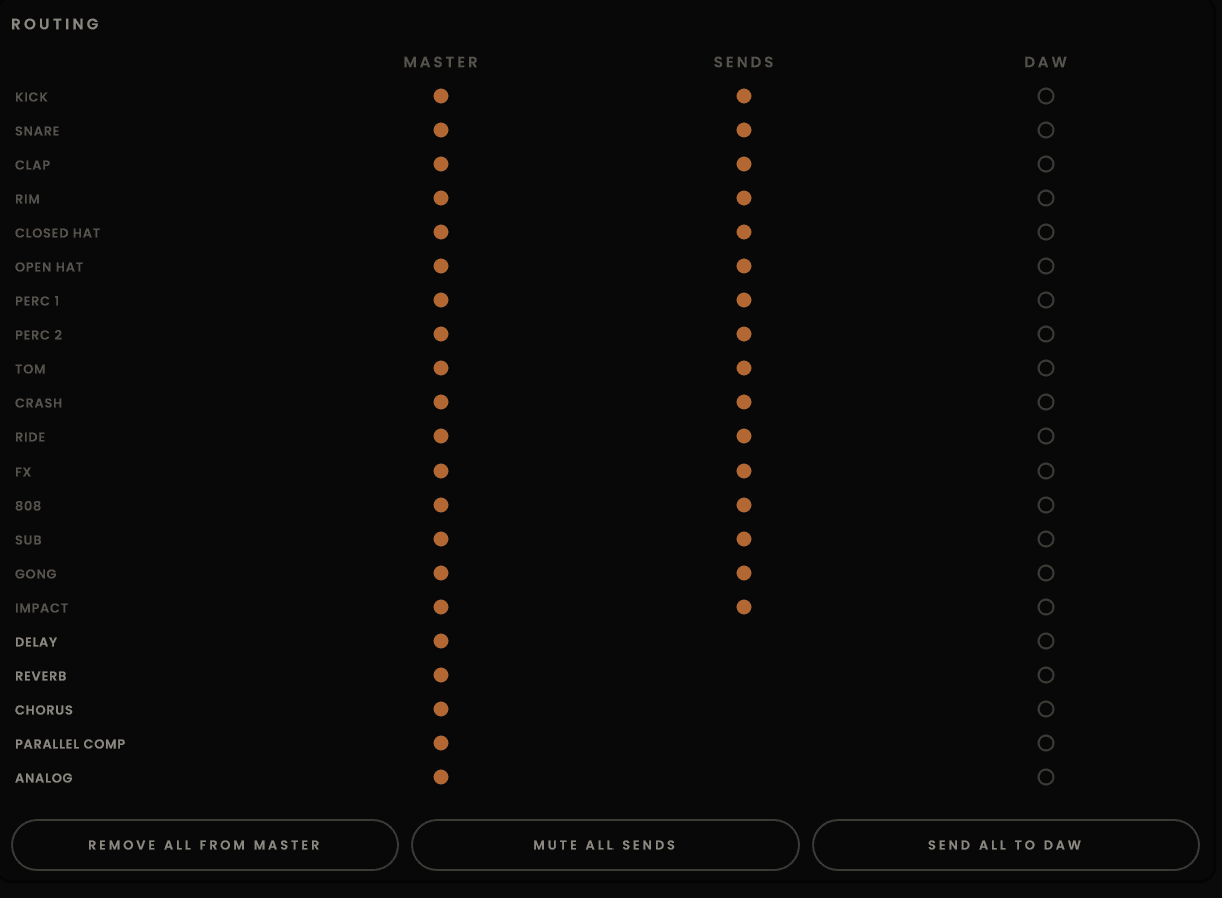
Send every piece directly to its own channel in your DAW, or keep the full kit together when the mix calls for it.
Direct per-piece channels
Kick, snare, hats and percussion each reach the DAW on their own track.
Independent processing
Shape, compress and automate every drum piece without the rest of the kit.
Master or multitrack
Print the whole kit or print only the pieces that need attention.
Switch on Analog and choose an architectural model built to give the kit its own character.
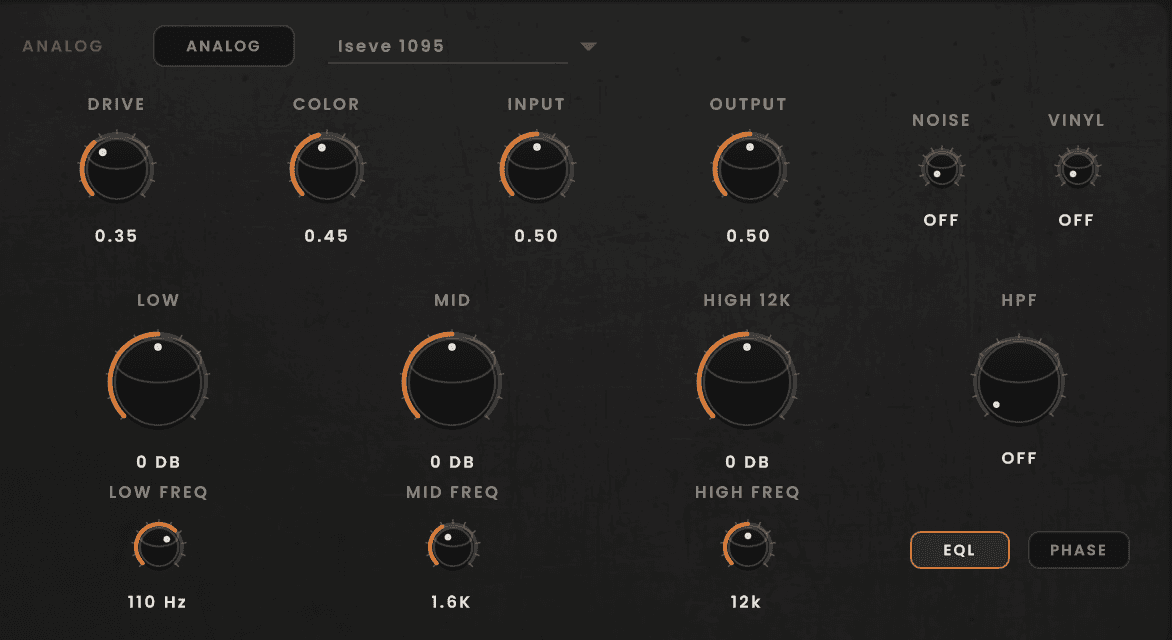
A three-band console-style EQ with high-pass filter and polarity.
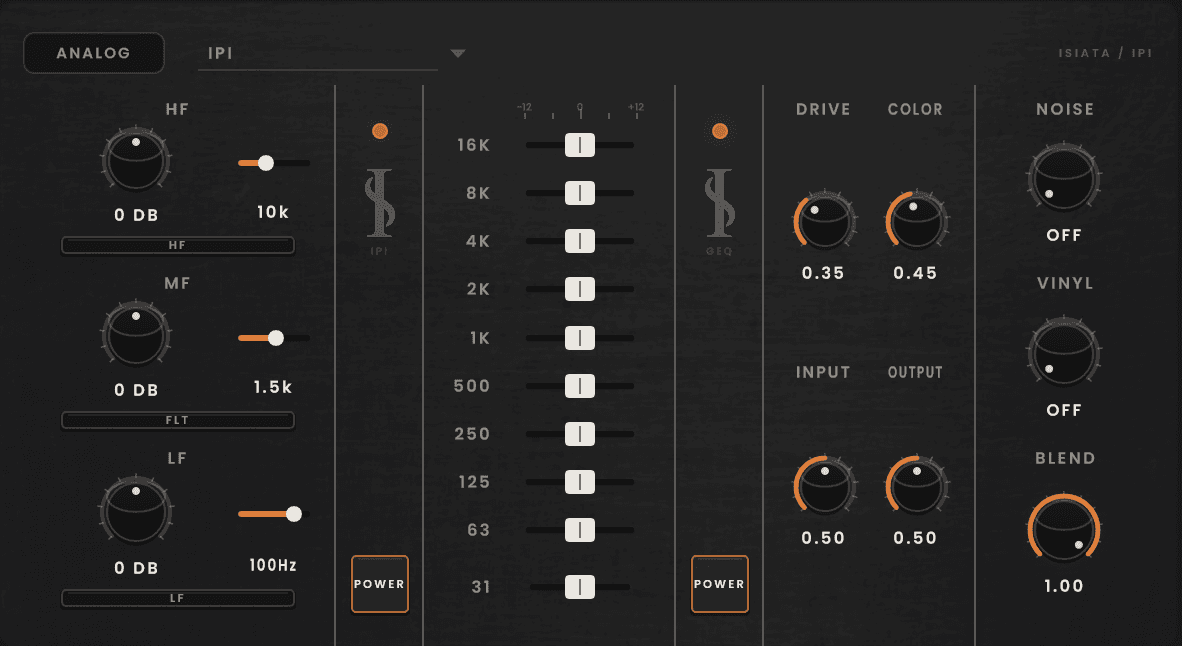
A parametric EQ paired with a 10-band graphic EQ, 31 Hz to 16 kHz.
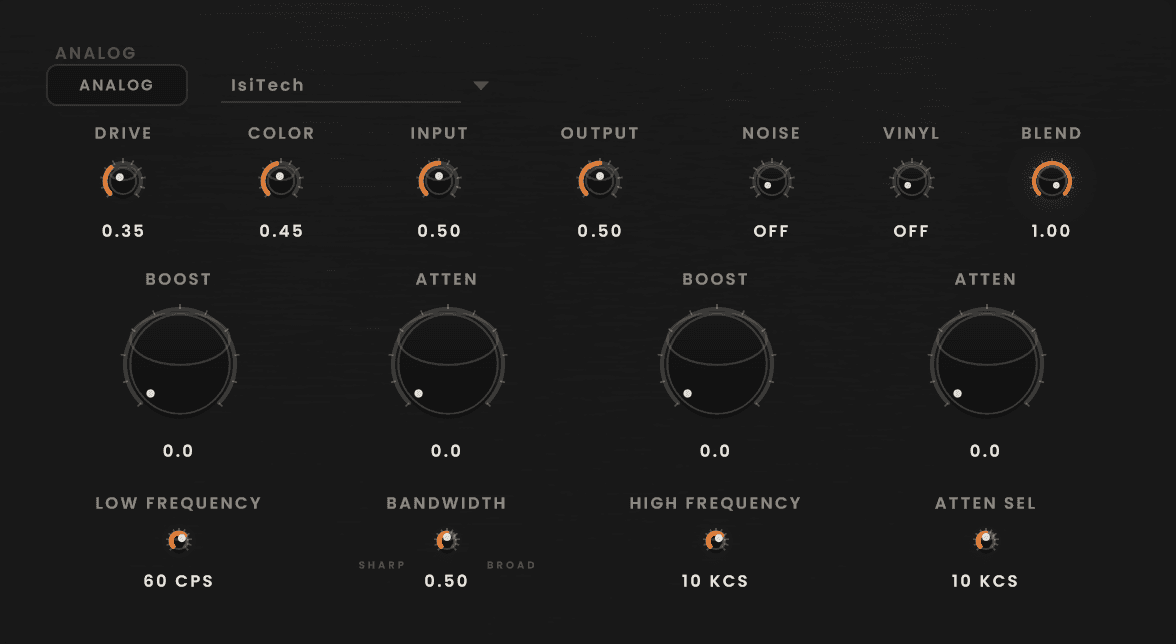
A boost-and-cut program-style EQ. Shape the low end, open the highs, find that big-but-tight feeling.
Give the kick more weight, crush the snare and keep the hats dry. Three parallel slots let each piece move on its own terms.
Every pad feeds each compressor independently, then blends back against the dry kit.
TOP
01
PUNCH
02
SMASH
03
ISI 76
04
IA2A
05
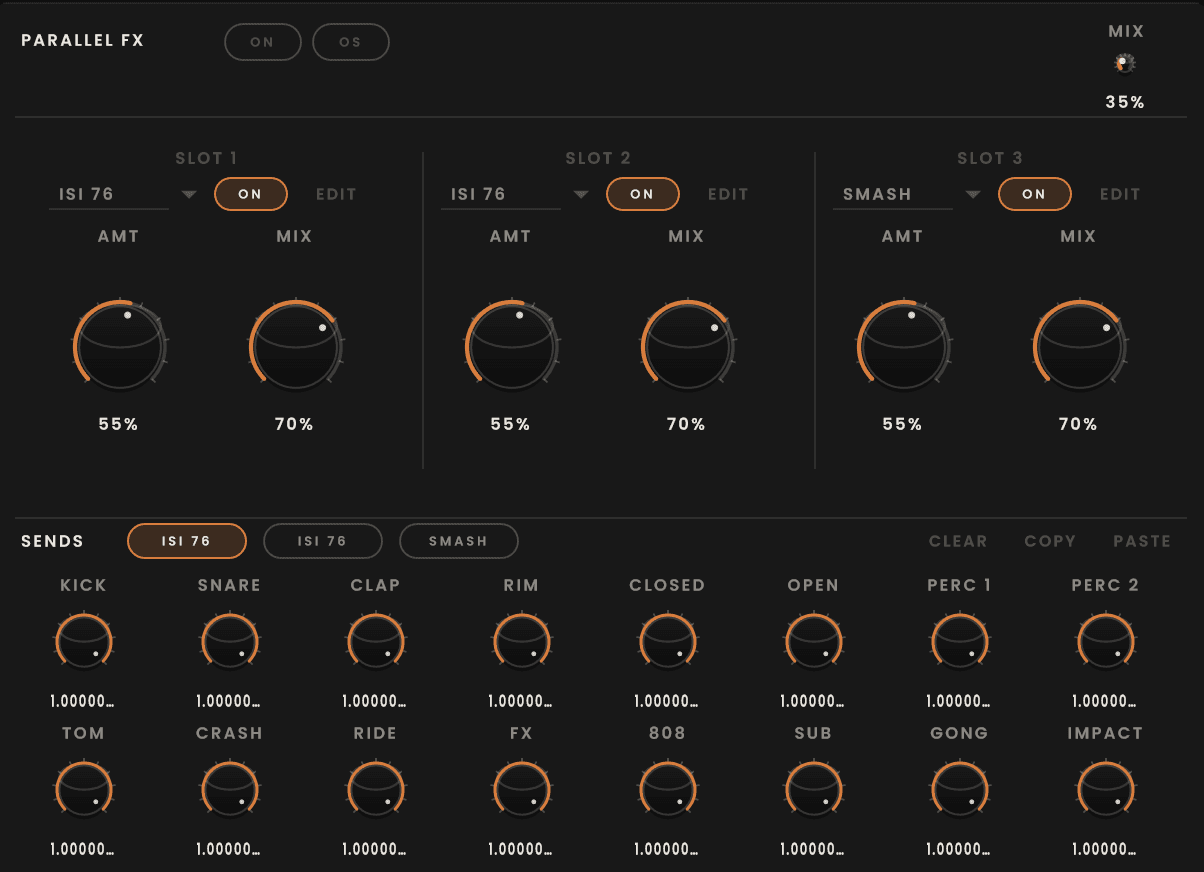
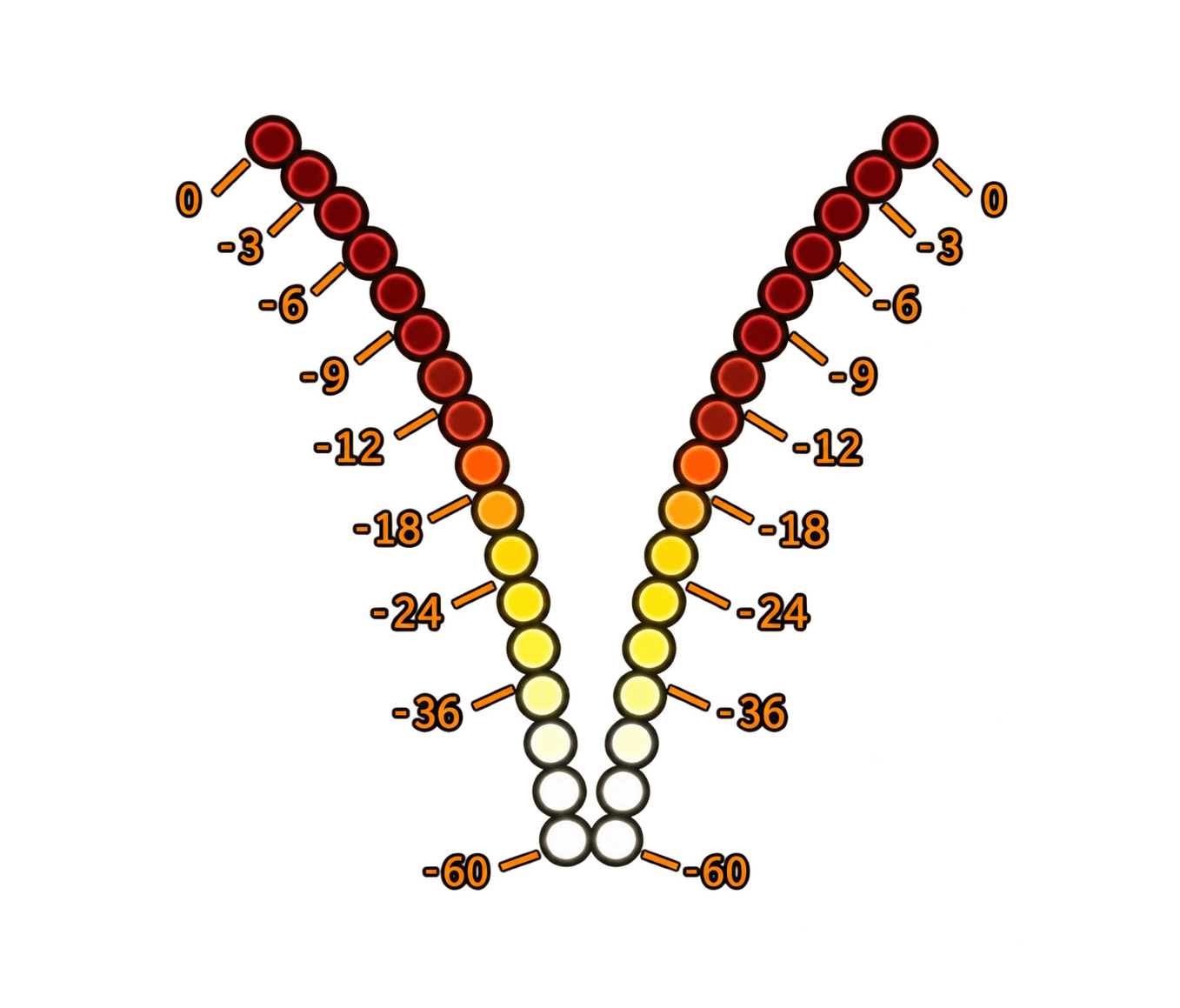
Shape the kit, add the character you need and finish the track with Impact, three-band EQ, serial compression, saturation, lo-fi, 8-bit, volume and stereo metering built into the instrument.

Build a kit, shape the sounds, program the groove and finish it without leaving the instrument.
01
Factory kit or your own samples.
02
Keep what you love, randomize the rest.
03
Tune, filter, envelope and drive each sound.
04
Build the groove.
05
Use probability, velocity and micro-timing.
06
Move across Scenes A–D.
07
Set the mix, then finish with the master section.
Then make the music.
Tsukuyomi follows your host's tempo and timeline, and runs on its own clock when the DAW stops. Drag MIDI out (a full pattern or a single lane), automate what you need, and save your work as:
.ISI
Samples, pads, sequencer, scenes, FX and routing.
.ISIS
Pattern, scenes, tempo, meter and swing.
Beta 2 / VST3 · Standalone · AU coming soon
ISI AUDIO